


We’re always working to make Pleo smarter, smoother, and (even) more helpful for managing your company spend.
Our regular New in Pleo brings you the latest updates, from new features to smarter automation, so you get more value from Pleo with every release.
This month is all about doing things once. Pleo now remembers the expense categories you correct, lets you edit expenses without leaving the Export Queue, and fills in receipt details for you on web. For accounting teams, we’ve made the Fortnox integration more reliable and added custom descriptions for Exact Online exports, so there’s less to fix before you close.
Give your card a new look
Expense categories that learn from your edits
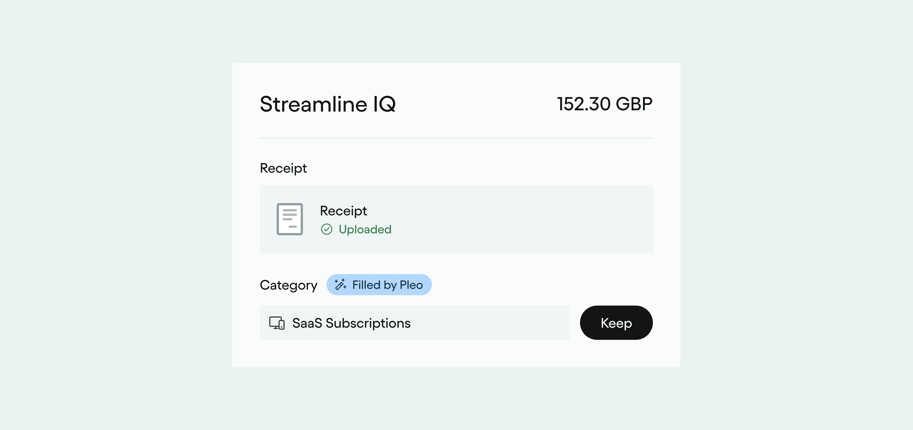
Bookkeepers and admins can spend a lot of time correcting the same expense categories. Now Pleo learns from those corrections. The next time an employee shops at the same merchant, Pleo automatically suggests the category you chose. When a suggested category is applied, you’ll see a Filled by Pleo badge. You can quickly check whether it’s right and choose a different category if needed. Save time on logging repeat mileage trips
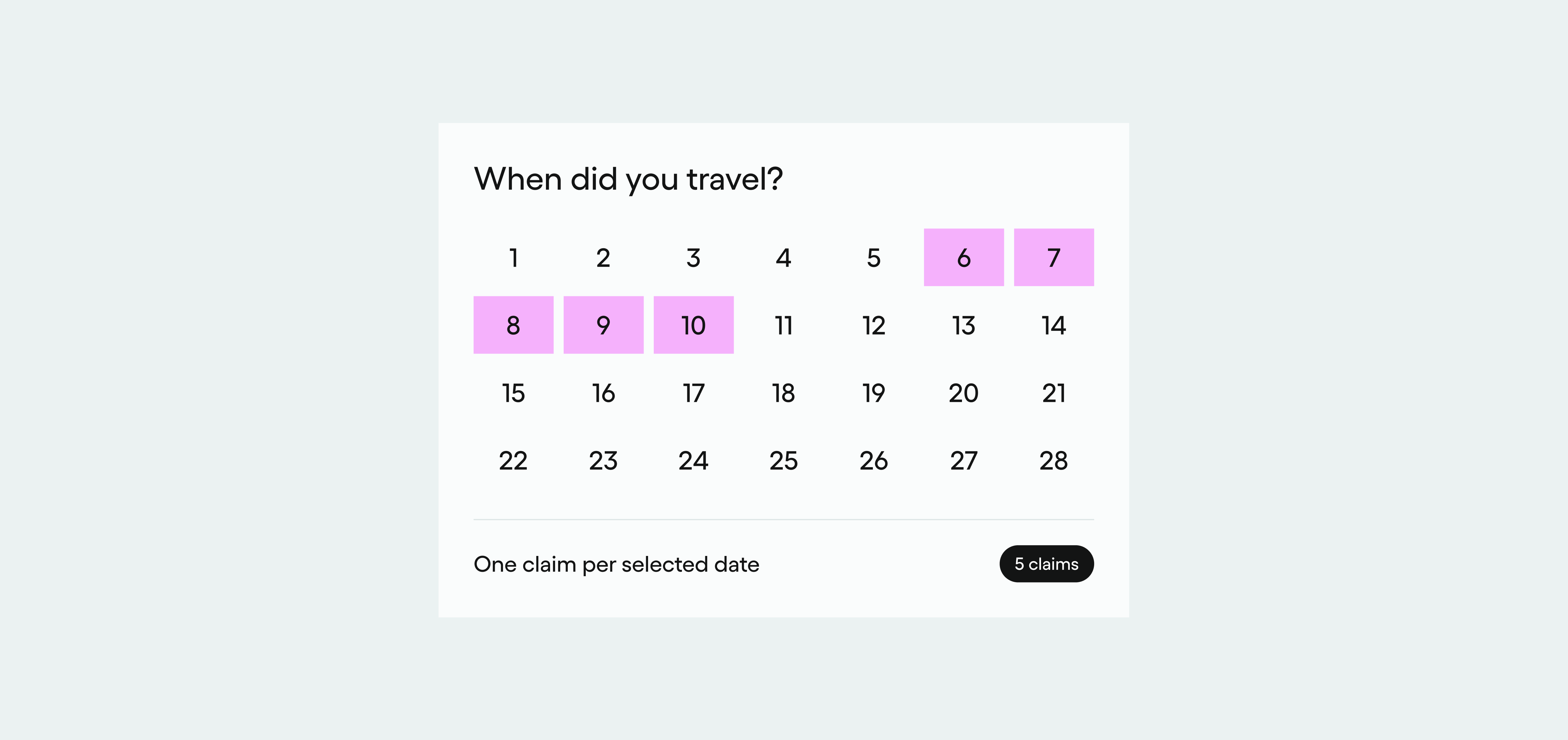
Now you can enter your route, purpose, and vehicle once, then select every date you made the trip. Pleo creates a separate claim for each date, ready to review and submit. Each claim remains its own expense, so reviews and exports work as they do today. Receipt scanning, now on web
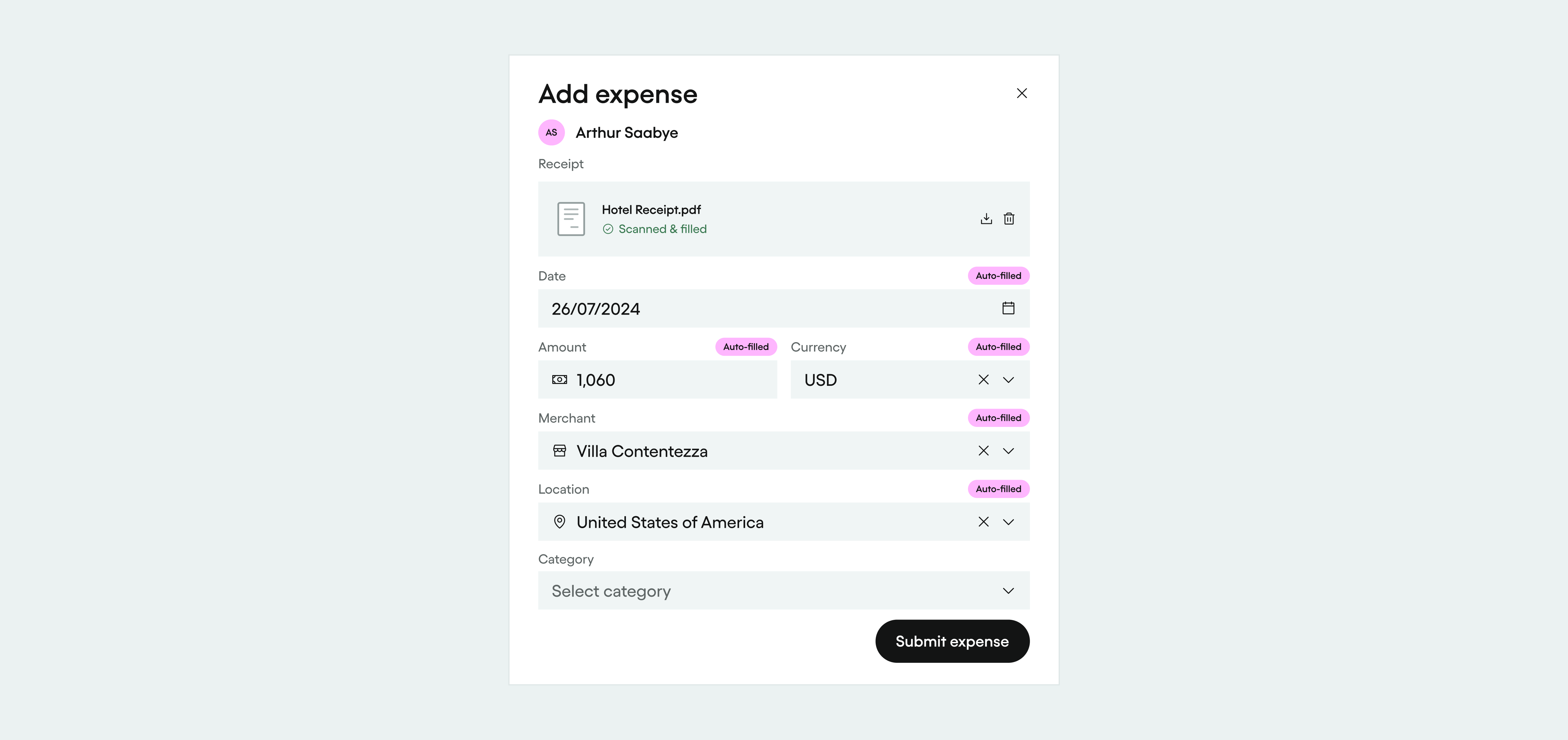
Filling in out-of-pocket expenses on web just got a lot faster. Attach a receipt and Pleo automatically reads the merchant, amount, currency, date, and location — filling them in for you instantly, with an auto-filled badge so you can see exactly what was detected. Automatic rechecks for group meal expenses
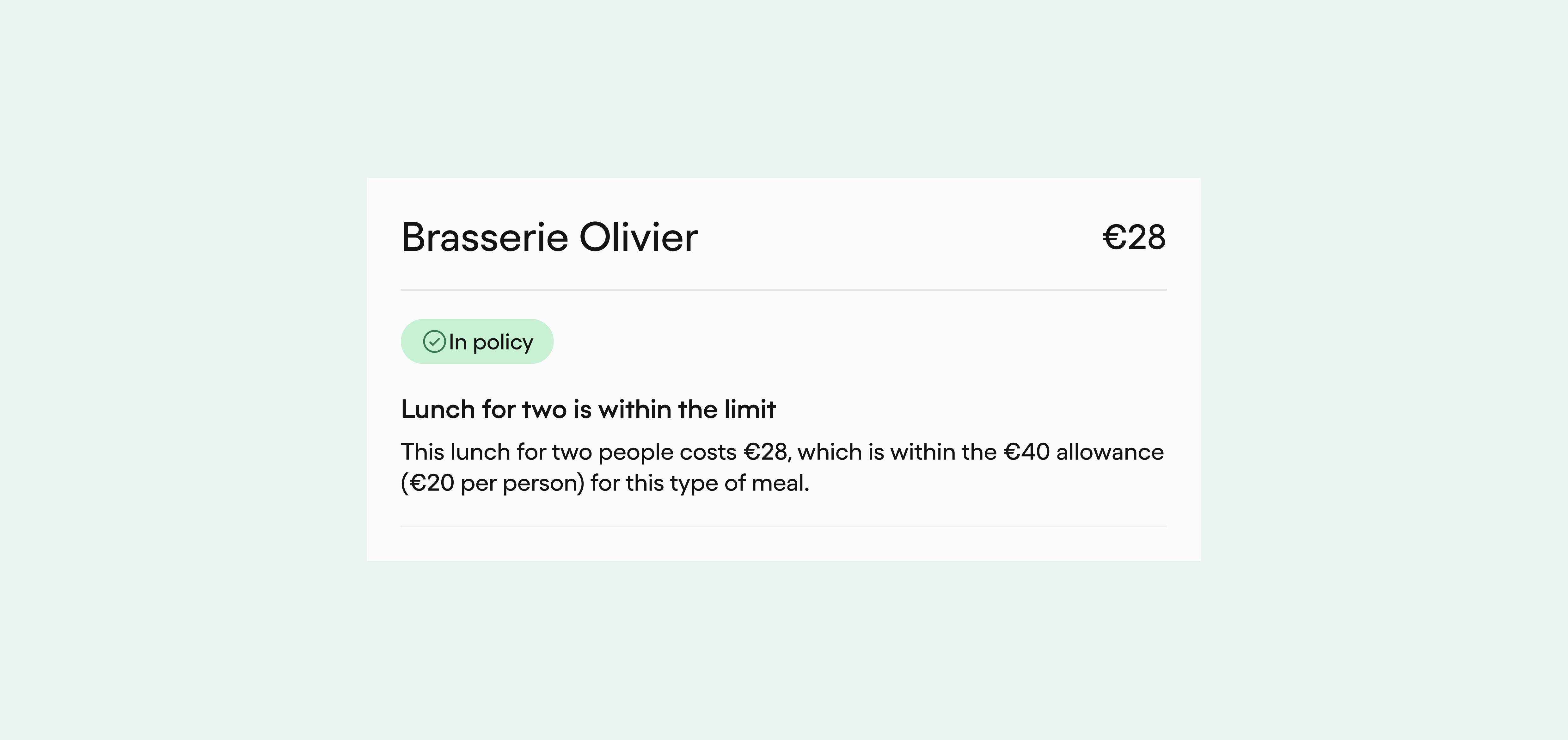
Pleo AI Expense Review now reruns policy checks when attendees are added or updated — so per-person meal limits are applied even when attendee details are added after submission. Give your Exact Online exports more context
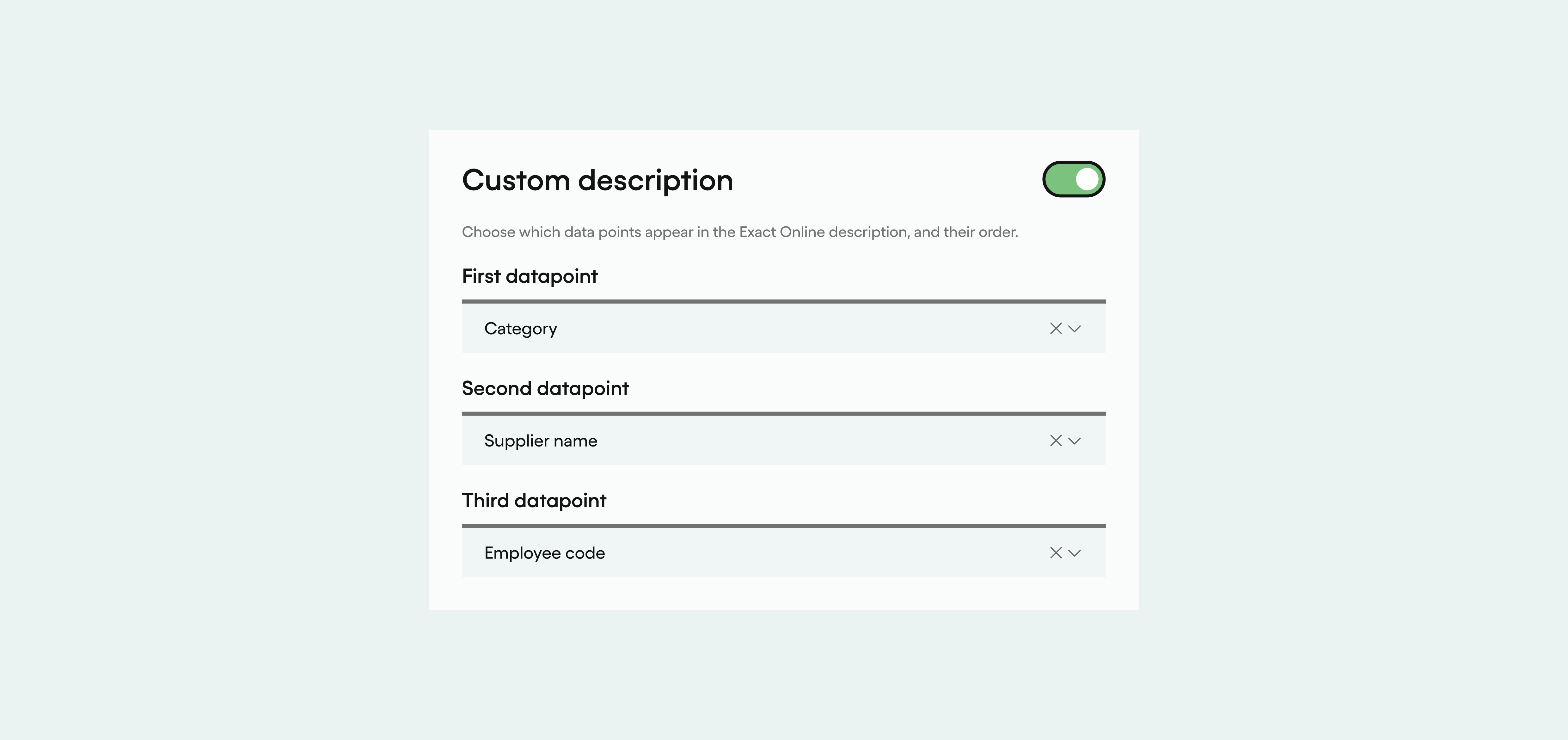
Generic expense descriptions can leave you guessing. You can now build a Custom Description template directly in your accounting setup — choosing which data points appear (category, supplier name, employee code, and more) and in what order. Your Pleo expenses now sync to iplicit
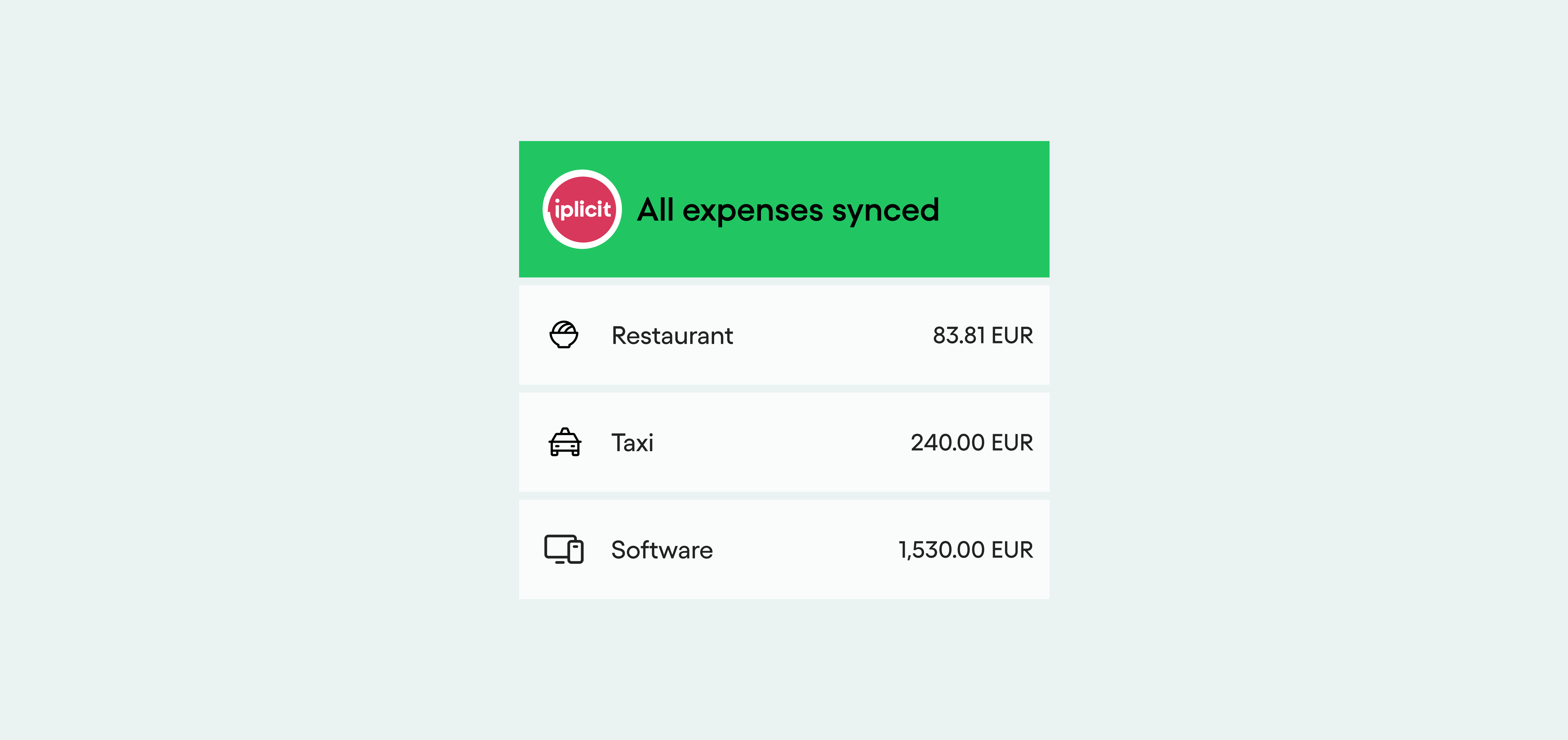
Keeping Pleo and your accounting software in sync just got easier. The new integration automatically pushes approved expenses into iplicit — already coded and with receipts attached — so your team can say goodbye to manual data entry and make month-end reconciliation a whole lot simpler. Fortnox exports, now smoother than ever
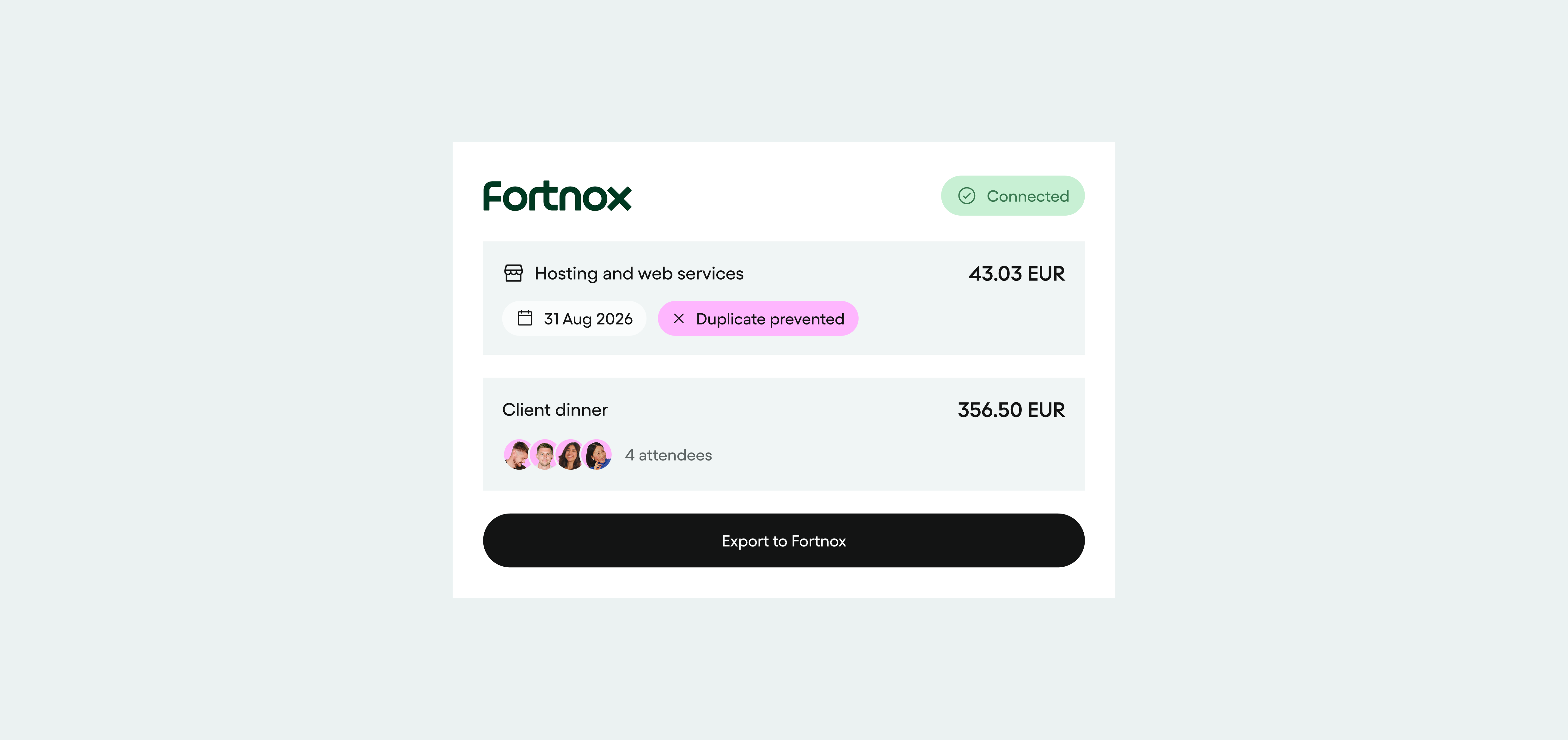
The updated Fortnox integration helps prevent duplicate entries and automatically uses the correct accounting date when you export expenses from a closed period. Representation expenses export with their attendee lists, and only active Cost Centres and Projects sync to Pleo. Edit expenses without leaving the Export Queue
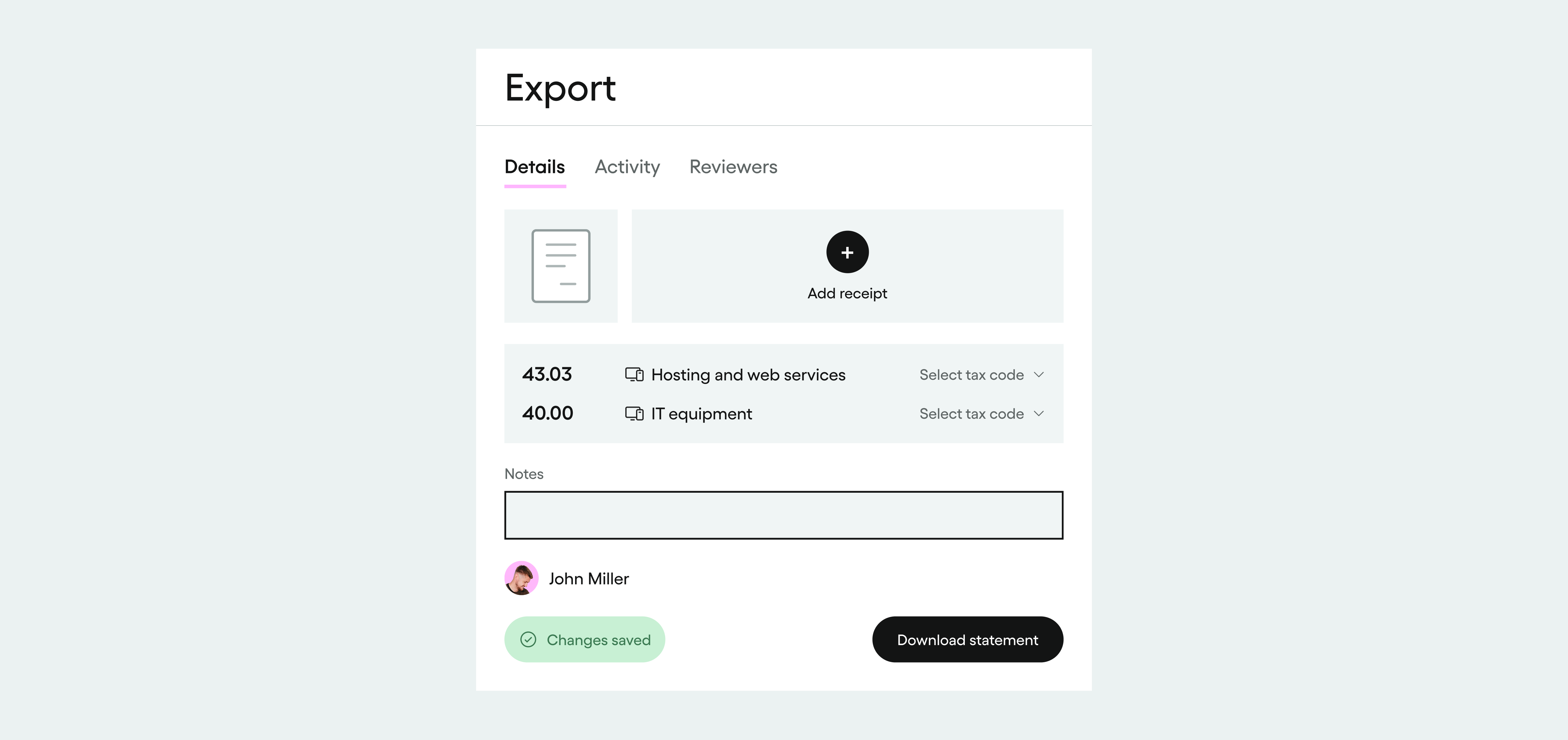
Fixing a mistake mid-close used to mean taking the expense out of the queue, editing it and remembering to queue it again. Now you can make the fix right in the Export Queue. |
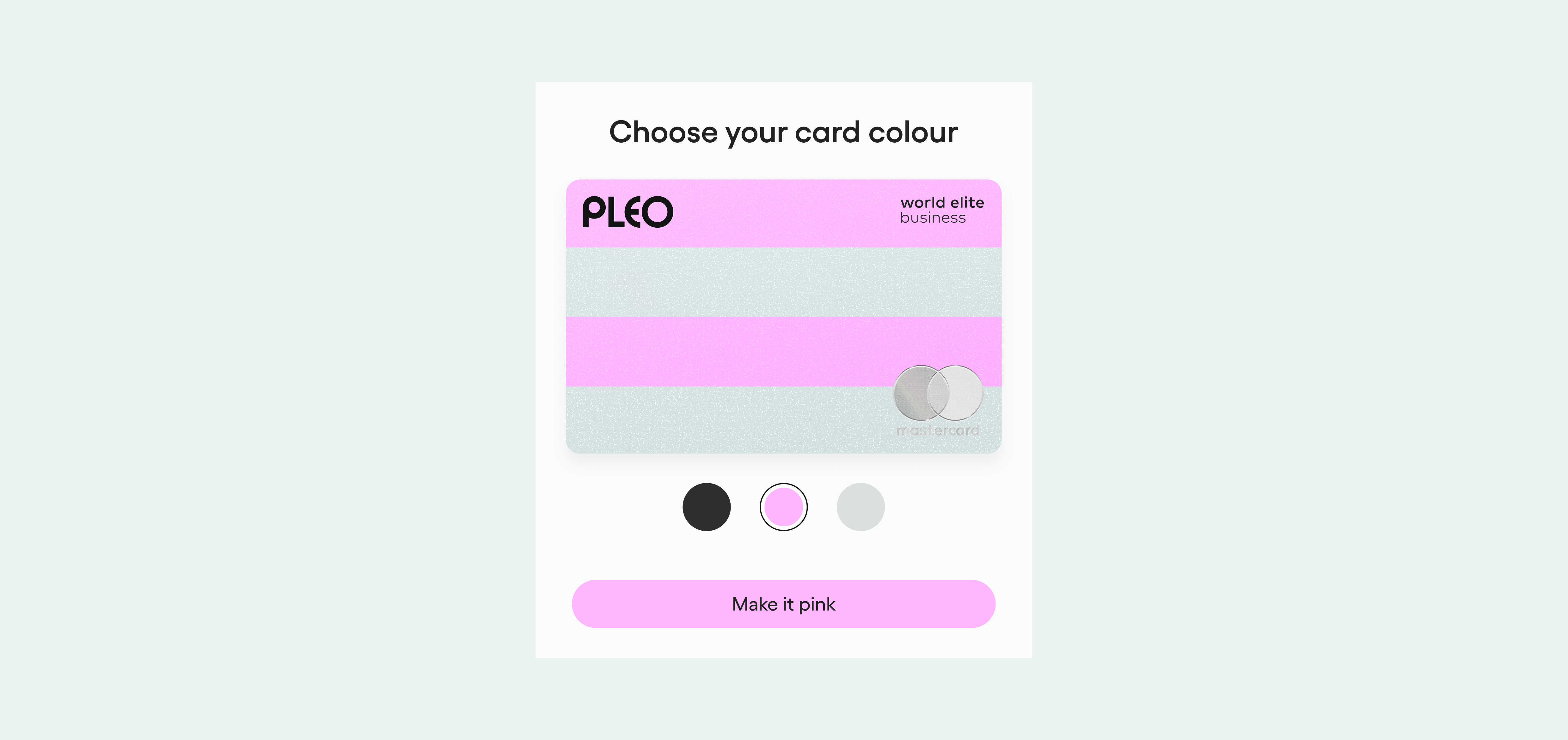 Pick from three new designs — Black, Pink, or Grey — when you activate a new or replacement virtual Pleo card. Your choice syncs automatically to Apple Wallet and Google Wallet.