



We’re always working to make Pleo smarter, smoother, and (even) more helpful for managing your company spend.
Our regular New in Pleo brings you the latest updates, from new features to smarter automation, so you get more value from Pleo with every release.
We recently rolled out a completely rebuilt app experience, automatic routing for purchase orders and deeper accounting integrations to make month-end a breeze.
A fresh in-app experience
.png?width=4960&height=2340&name=A%20fresh%20new%20look%20for%20the%20Pleo%20app%20(1).png)
We’ve redesigned the Pleo mobile and web apps from the ground up, including:
-
A refreshed navigation menu and home screen put your urgent to-dos, card details, and spend guidelines within easy reach
-
The new To Do tab replaces Review on mobile, bringing missing receipts, reimbursements, and card activations into one place so you know what to tackle next
A clearer view of your month-end accounting work
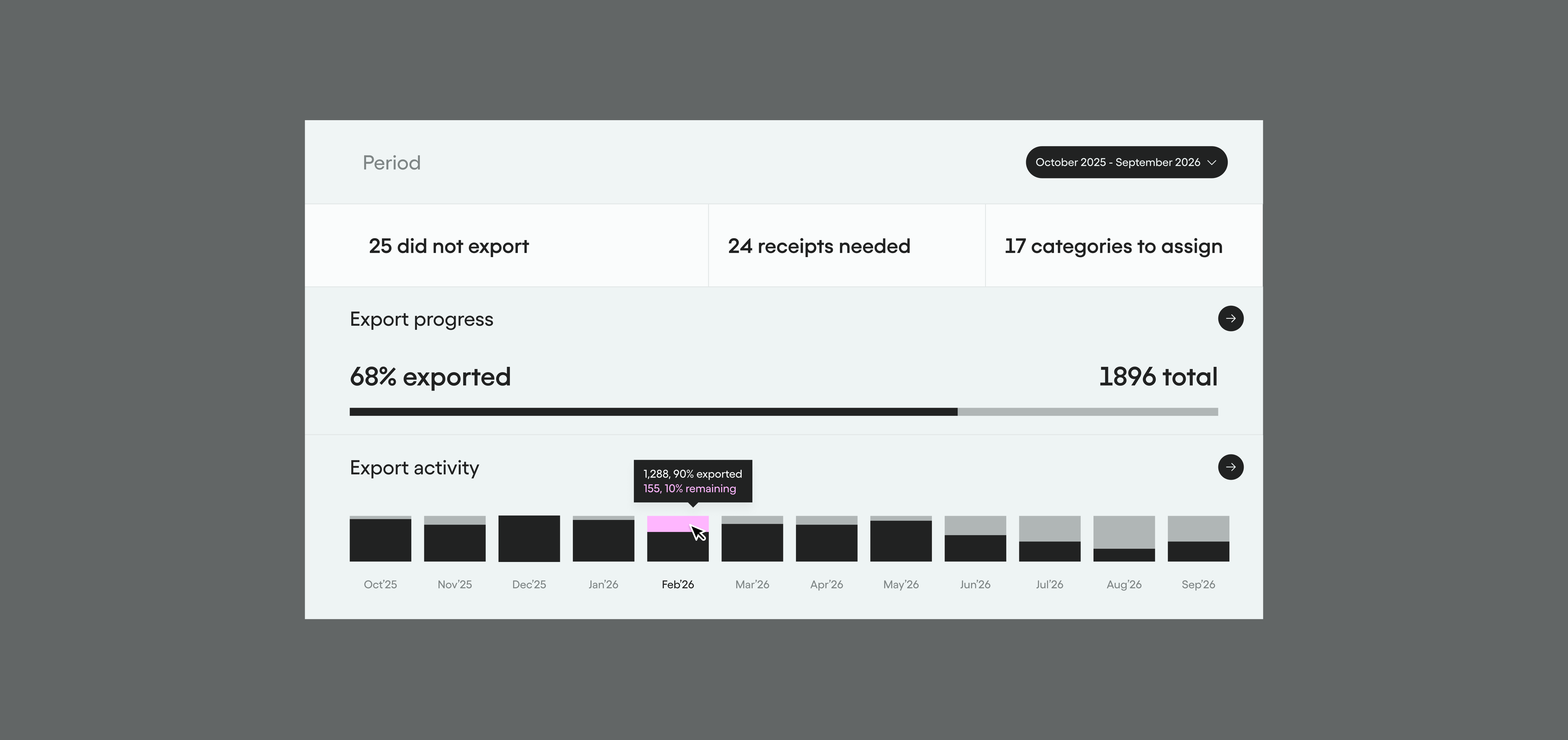
Month-end comes with enough to juggle. The new Accounting Dashboard gives bookkeepers and admins a clear view of what needs attention, all in one place: missing receipts, uncategorised expenses, pending approvals, export status, and integration health. With a rolling 13-month view, it’s easy to see which months are closed and which still need work.
Per diem, now on the web app
.png?width=915&height=432&name=Per%20diem%20now%20on%20Web%20(1).png)
Submitting per diem (traktamente) claims used to mean reaching for your phone. Now, Swedish employees can create and submit claims directly from the Pleo web app — making it easier to log expenses wherever you're working.
Automatic routing for purchase orders
.png?width=915&height=432&name=Purchase%20orders%20now%20route%20to%20reviewers%20automatically%20(1).png) Pre-approval shouldn’t depend on who remembered to ask whom. Purchase orders now follow the same automated, rule-based routing as invoices, so each request reaches the right reviewers.
Pre-approval shouldn’t depend on who remembered to ask whom. Purchase orders now follow the same automated, rule-based routing as invoices, so each request reaches the right reviewers.
Reviewers can manage purchase orders where they already work and send them back for changes when needed. A full activity log captures every decision, giving you a clear approval trail.
Expense reviews, clearer at a glance
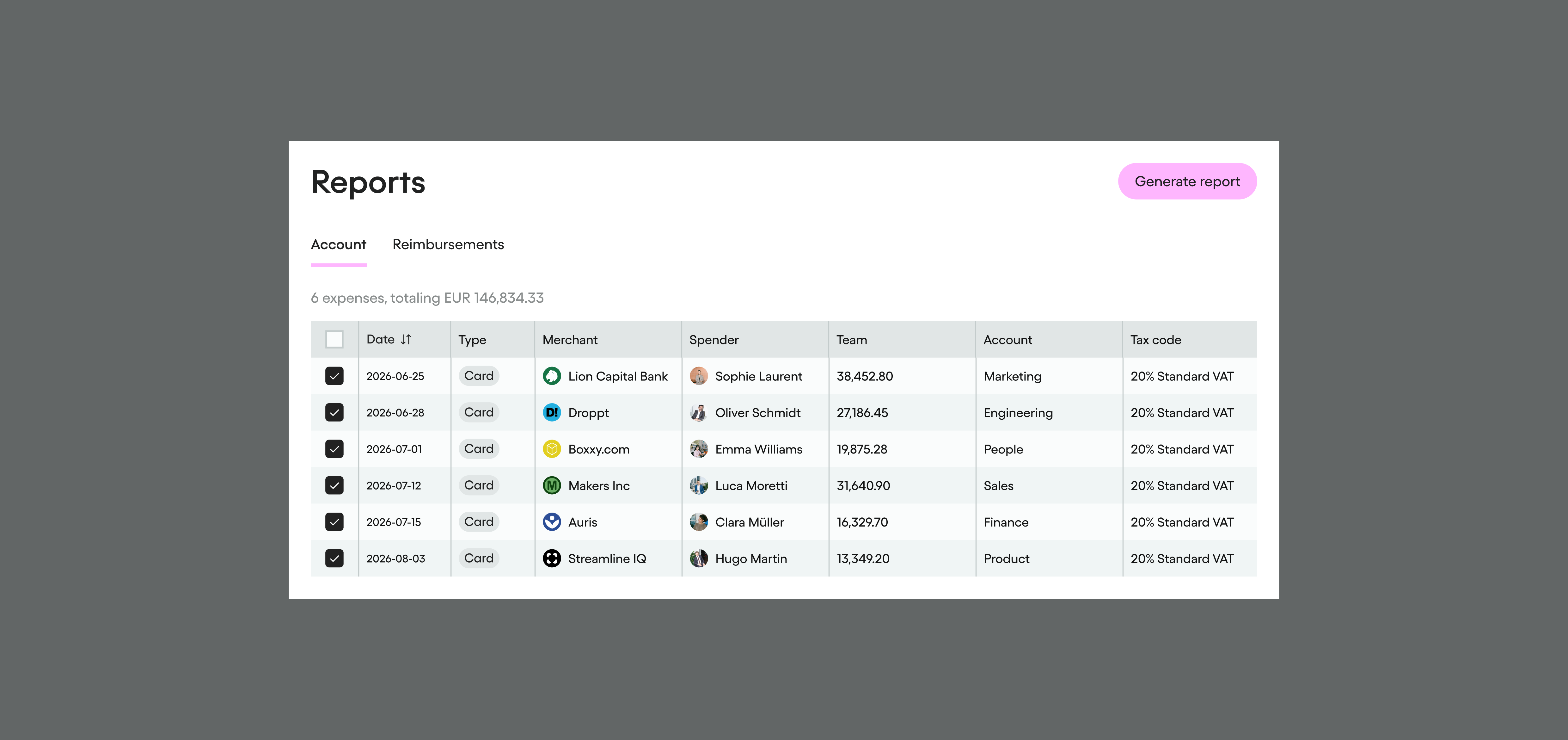 You can now see the exact review stage and the name of the reviewer responsible, right in your Pleo reports. When multiple reviewers are assigned to a step, up to 5 names are shown. No more guessing who to chase.
Employee balances, ready to download
.png?width=915&height=432&name=Download%20Employee%20Balance%20Statements%20as%20PDF%20(1).png) You can now download the Employee Balance Statement as a PDF. Head to the Reimbursements page, open the download menu, and choose Employee Balances (PDF). The document is print-ready, carries a balance date, generation timestamp, and system-generated net position — everything you need for a clean audit trail.
You can now download the Employee Balance Statement as a PDF. Head to the Reimbursements page, open the download menu, and choose Employee Balances (PDF). The document is print-ready, carries a balance date, generation timestamp, and system-generated net position — everything you need for a clean audit trail.
Pleo top-ups, on your schedule
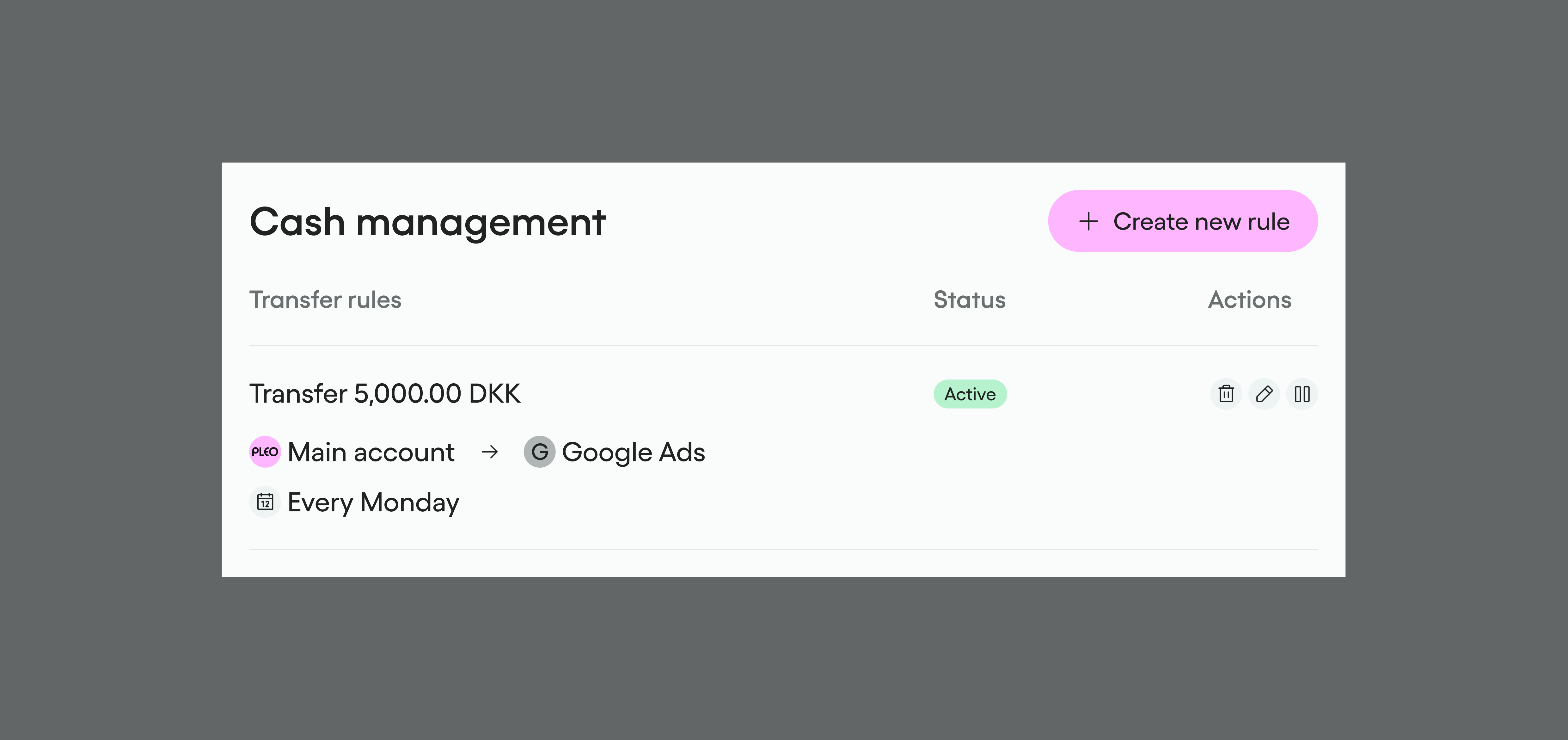 Keeping your Pleo Account funded used to mean either monitoring your balance or setting a low-balance trigger. Now you have a third option: schedule it. Scheduled Transfer Rules — which automatically move funds into your Pleo account at a time you choose — are now available in all markets where external Transfer Rules are supported, including the UK, Denmark, and Sweden.
Set up a weekly top-up every Monday, a monthly transfer on the first of the month, or any rhythm that fits your cash management routine — and let Pleo handle the rest.
Track Business Central project costs in Pleo
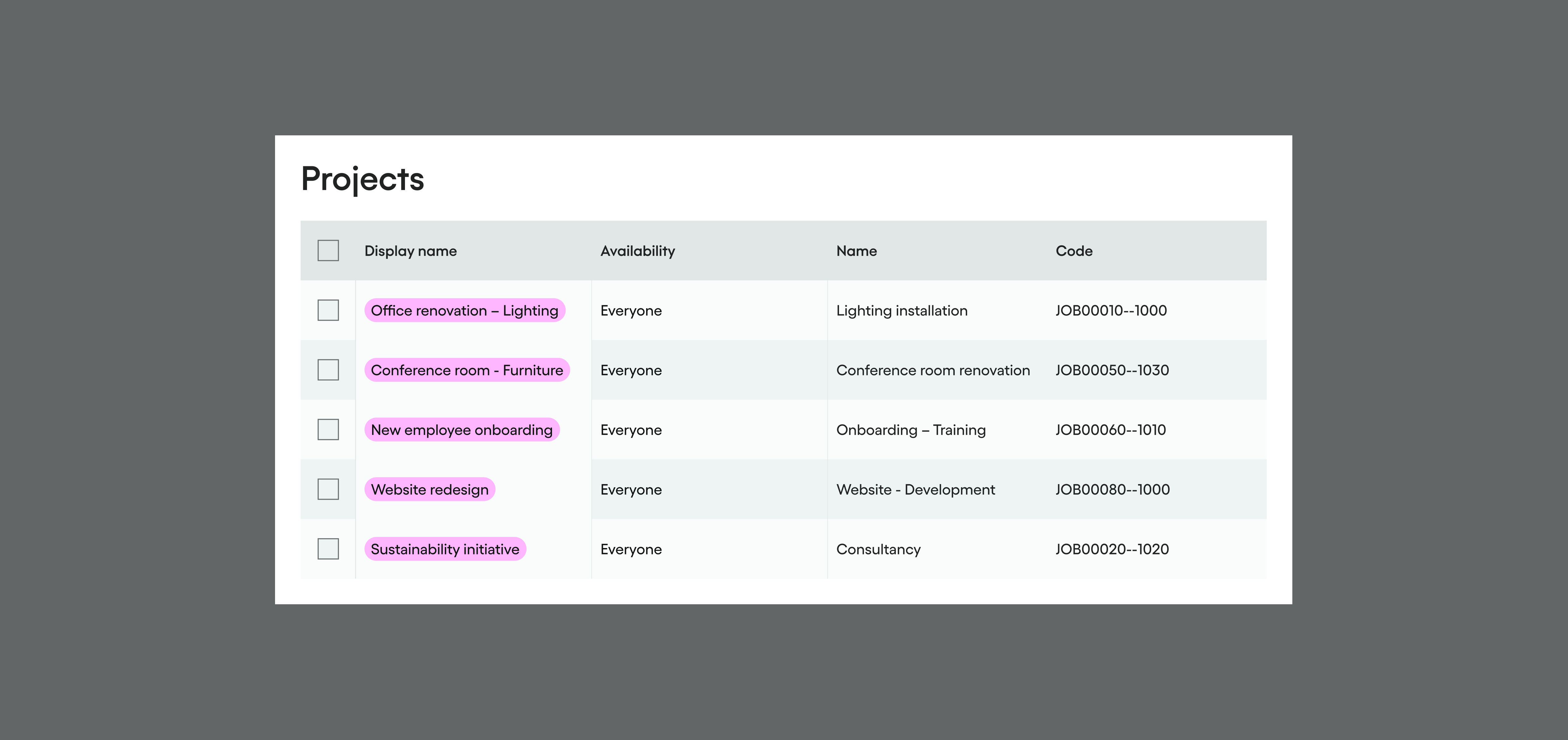 You can now sync Business Central Projects as Tags directly into Pleo, making it easier to track project costs on exported expenses. Two sync modes are available: sync all Project-Task combinations as Tags, or sync Projects as Tags with a single default Task applied across all of them.
Only open, non-blocked projects are synced, and the feature works in both Journal Entry and Accounts Payable bookkeeping modes. To use this feature, update your Business Central integration to the latest version.
An easier connection to Exact Online
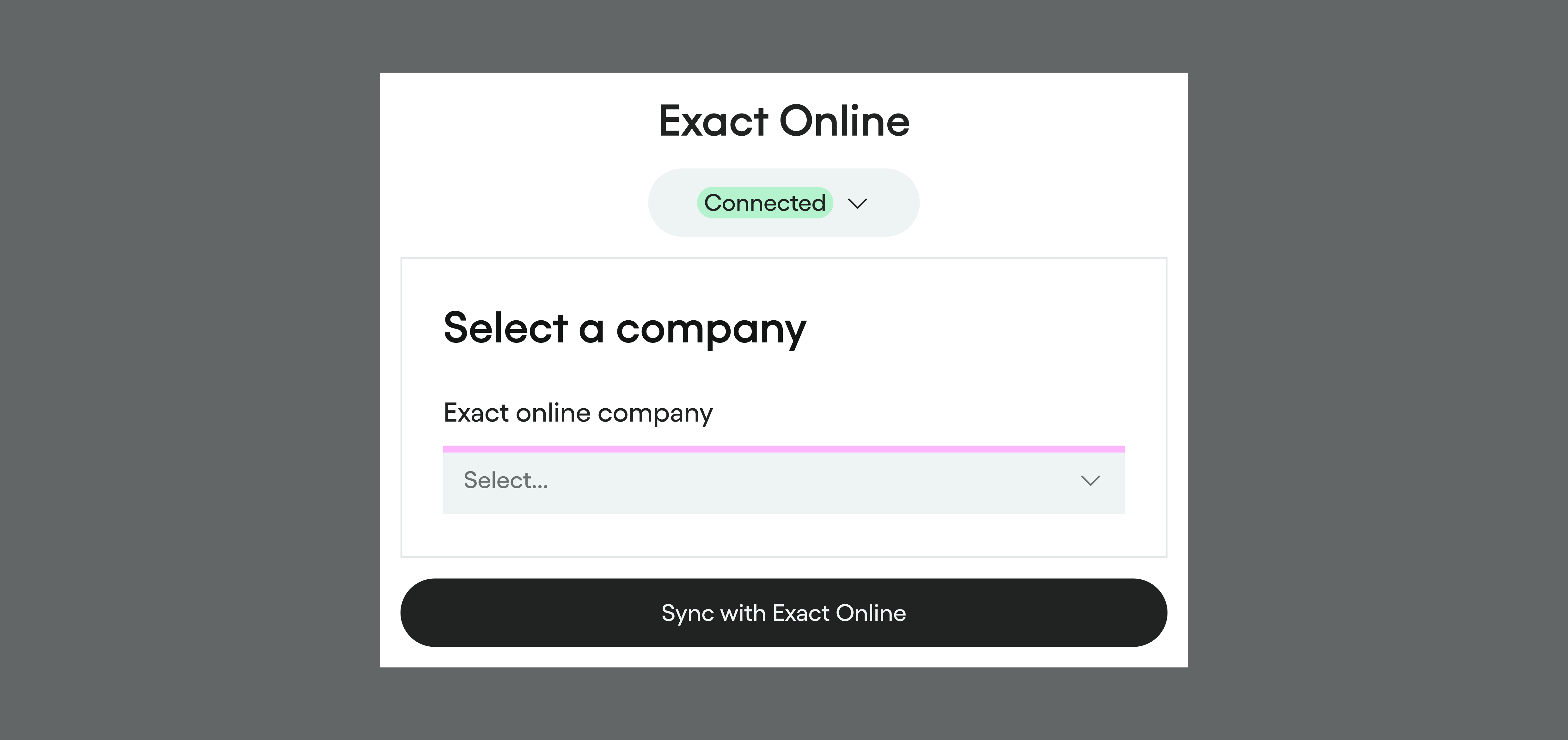 Connect all your Pleo entities with a single Exact Online user account. If a connection breaks, simply restore it easily from the notification — no need to reconfigure the integration.