



We’re always working to make Pleo smarter, smoother, and (even) more helpful for managing your company spend.
From faster expense reviews and clearer reporting to stronger security and smoother accounting workflows, these updates are designed to remove friction from your everyday work in Pleo — so things just run better in the background while you focus on what matters.
Reviewers and admins can now mark card purchases as personal
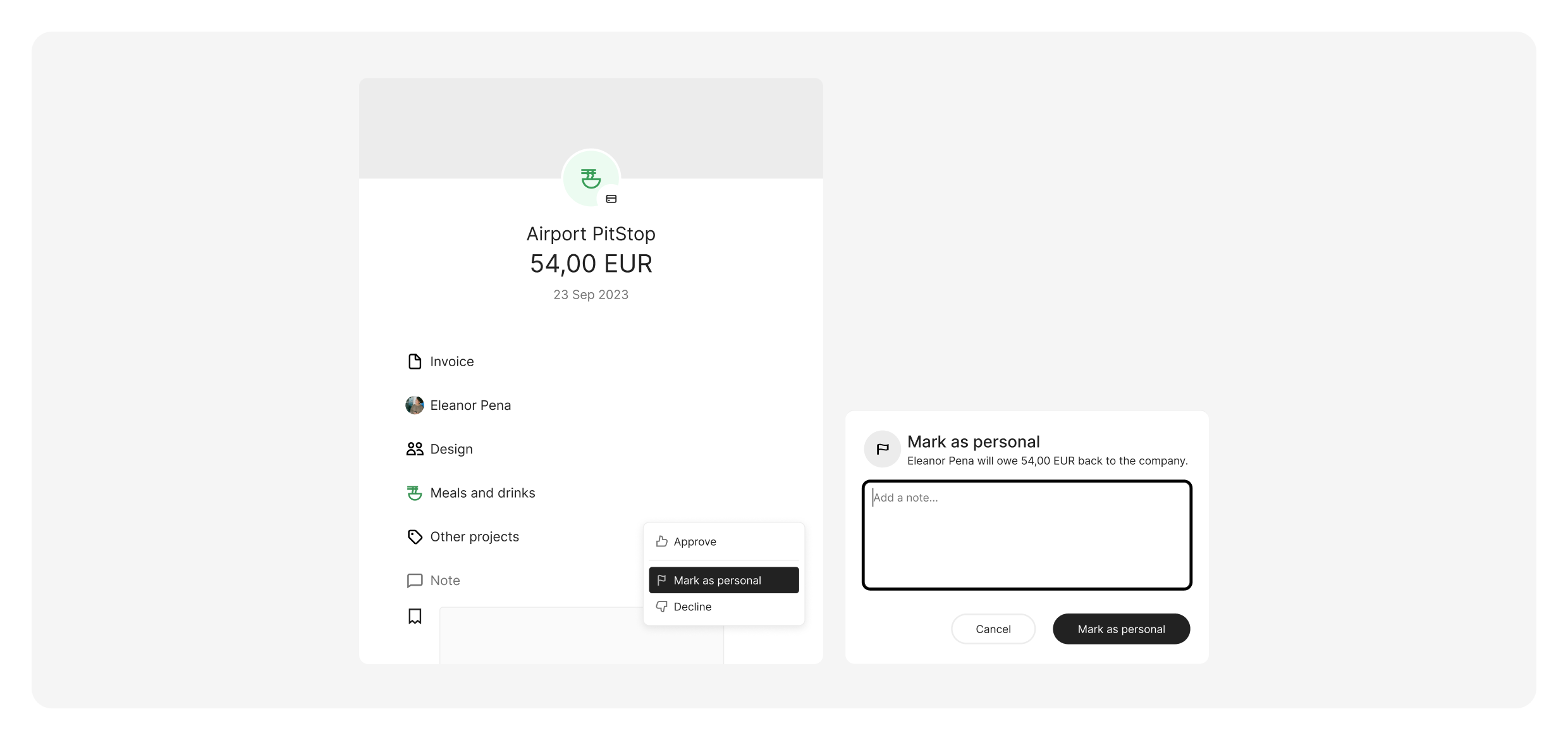
When an employee uses their company card for a personal purchase, waiting for them to flag it themselves shouldn't slow down your review process. Now, admins and reviewers can mark any card expense as personal directly - no chasing required.
The amount is automatically deducted from the employee's reimbursable balance, keeping your books accurate without the back-and-forth.
See the full story of every expense
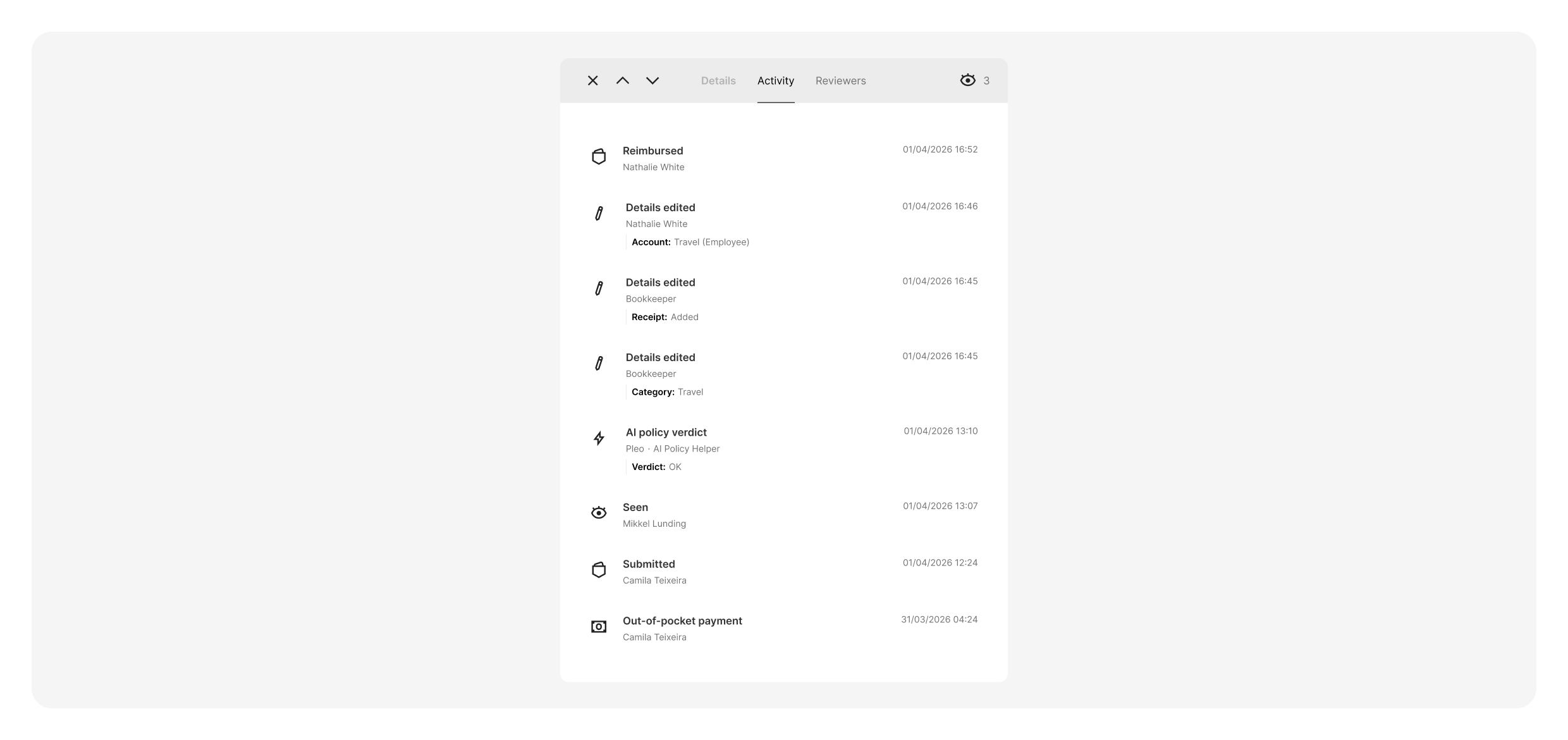
We’ve improved the Activity tab to make reviewing expenses faster and easier.
You’ll now see the correct date for each expense directly in the Activity list, alongside the transaction details. This means you can quickly understand when each expense happened without opening it or switching between screens.
DATEV your way
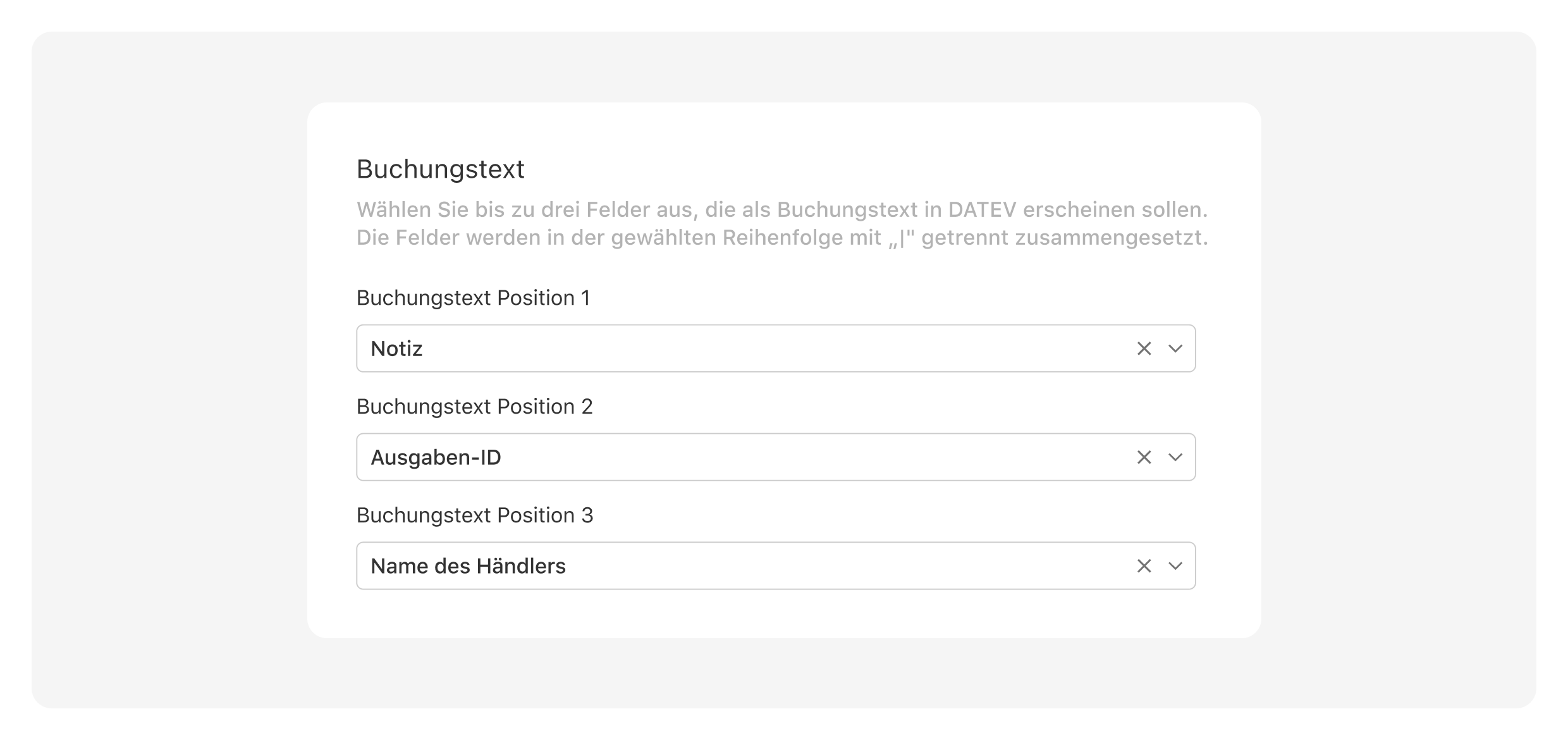
You can now customise the booking text in DATEV KR exports by selecting the fields that matter most, reducing manual adjustments and better aligning with your accounting workflows.
Shaking the mystery out of cross-border currency fees
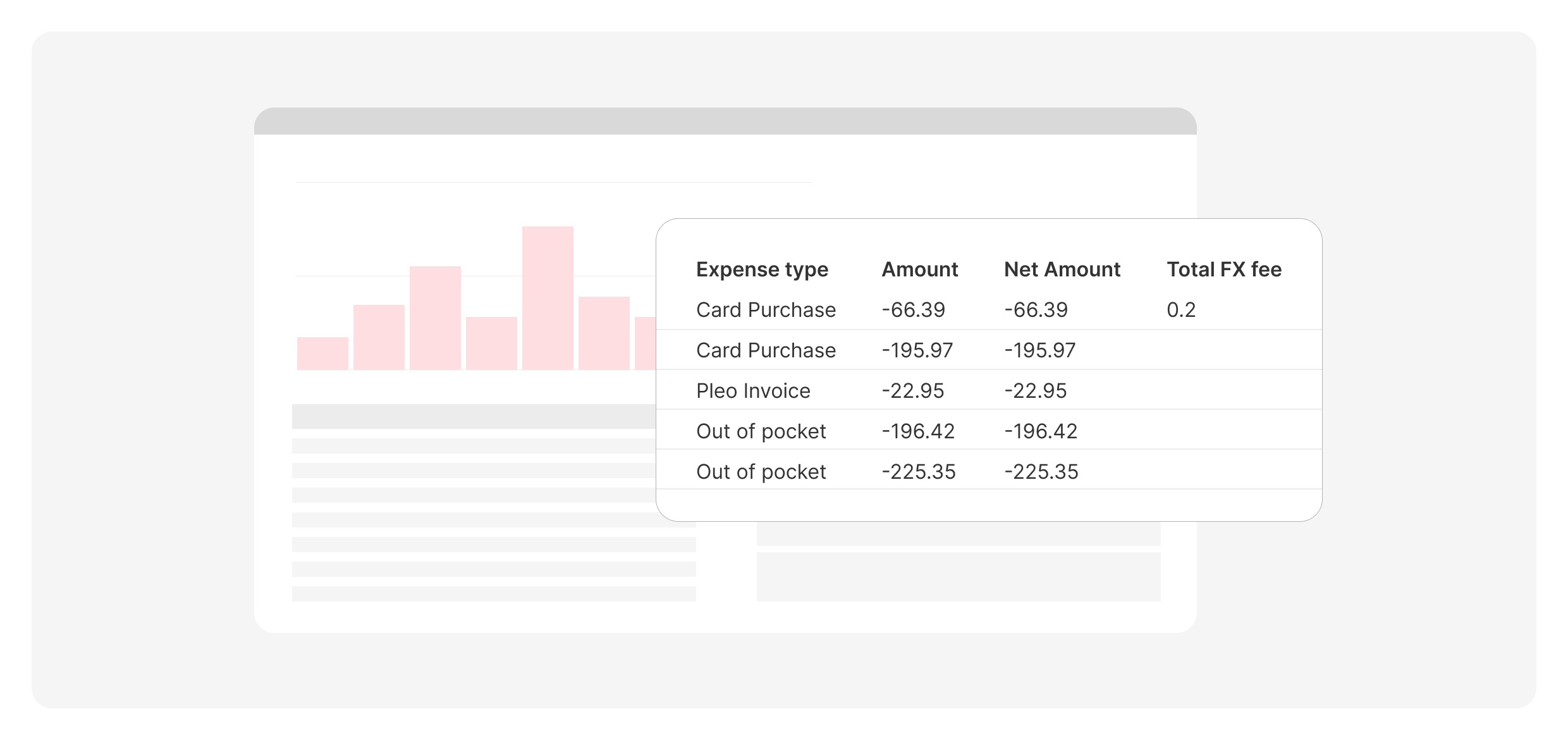
Reports now include expense type and FX fees, making it easier to understand each line and reconcile spend, especially across currencies.
Heavyweight exports, now a breeze
You can now download reports with up to ~25,000 expenses, making it easier for larger teams to export everything in one go, with fewer errors and workarounds.
Double-lock on company spending limits
Changing card limits now requires two-factor authentication (2FA), adding an extra layer of security when updating spend controls.
Fly through expense reviews right from your phone
Expense lists on mobile are now easier to scan, with clearer expense types and improved card details shown directly on each expense.
Leveled up security for your sensitive data
Inviting new users and adding bank accounts for reimbursements now requires step-up Level 2 authentication (passcode + SMS / Authenticator app) for even more protection against unauthorised actions.